Query Data

info
Follow the steps mentioned below to query datasets in Amorphic
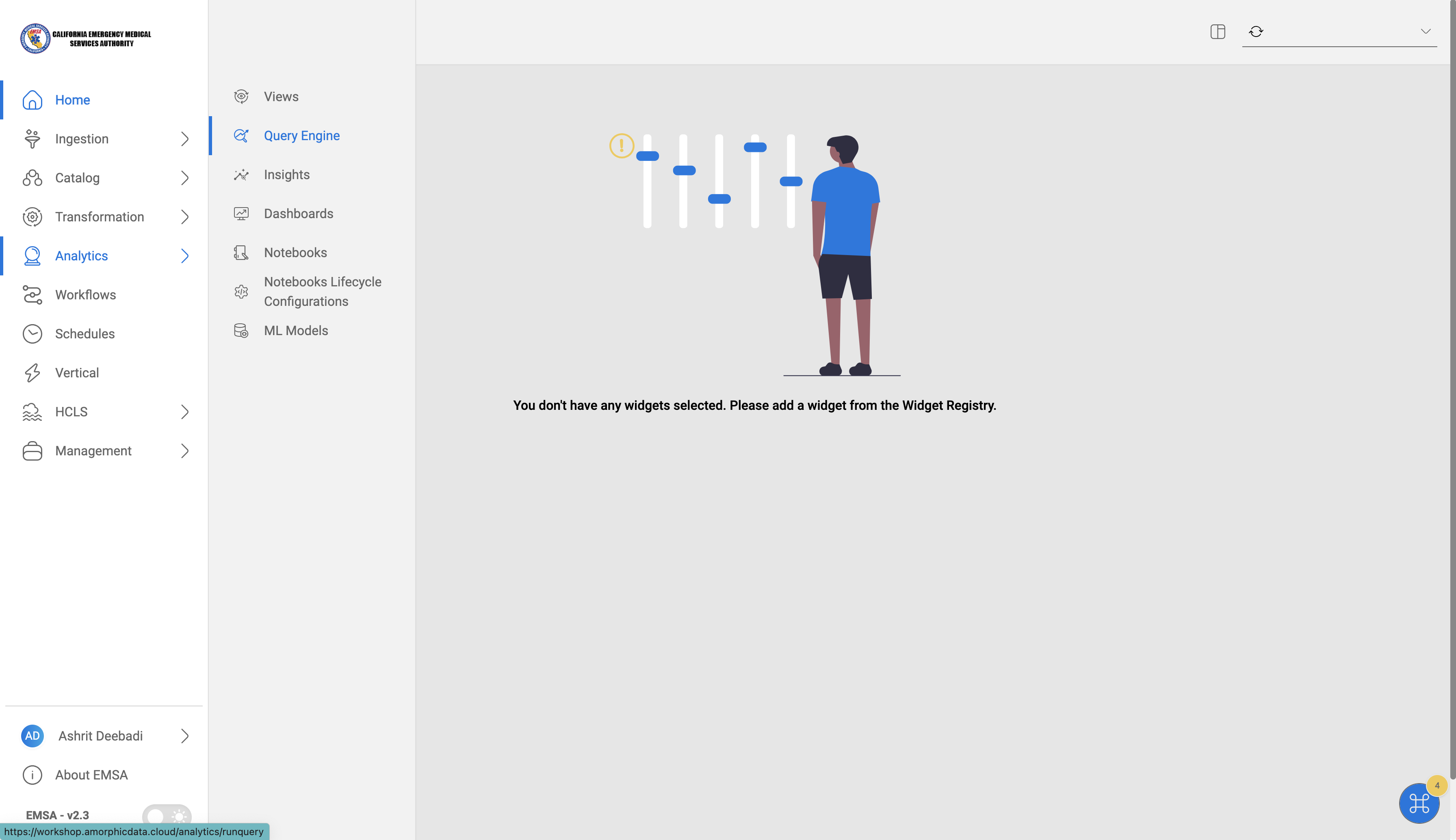
Navigate to Query Engine
- Click on
Analytics-->Query Engineon the left side navigation bar.
Execute Sample Query
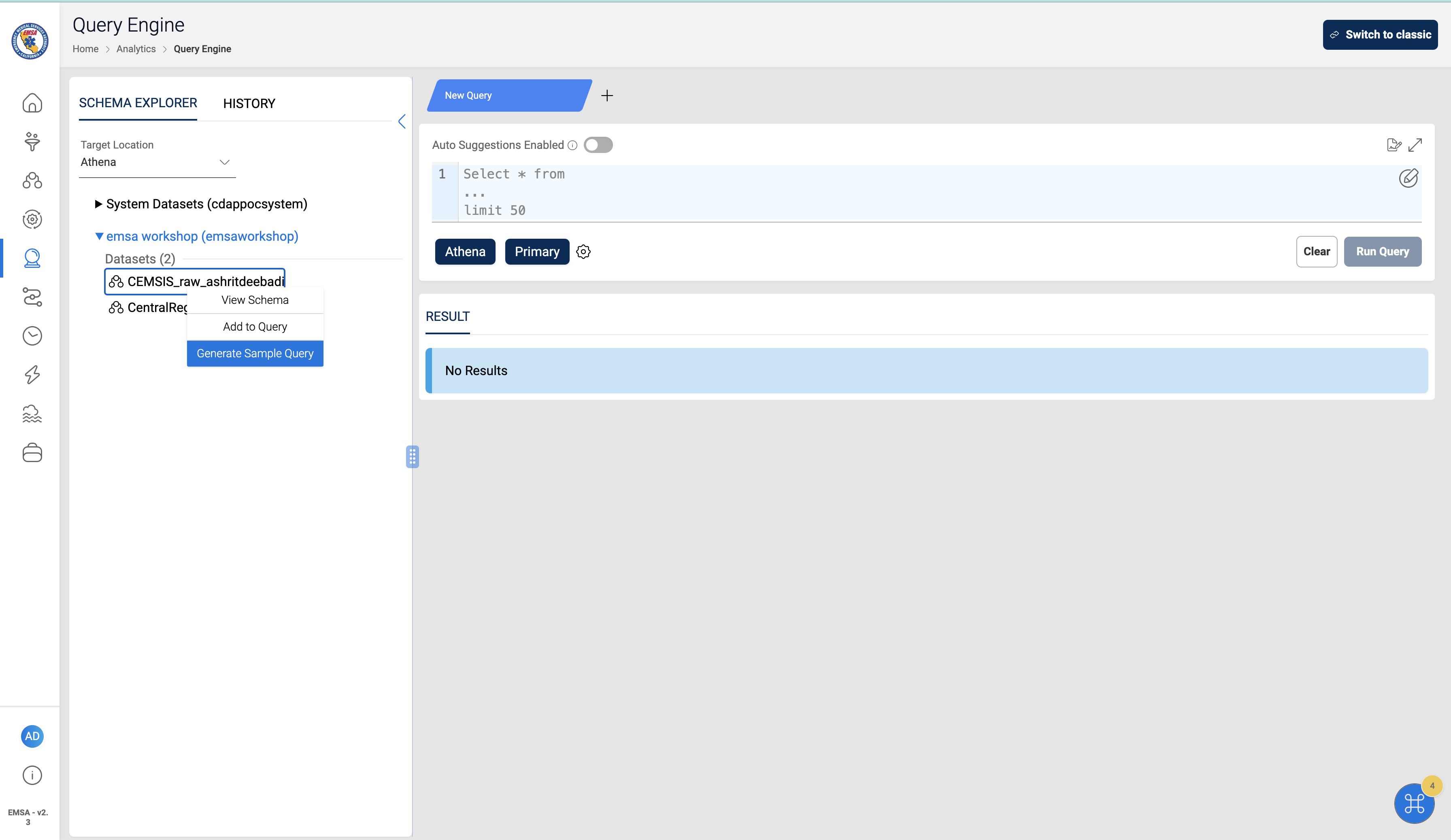
- To generate a sample query, Right Click on the Dataset on the left panel and Select
Generate Sample Query
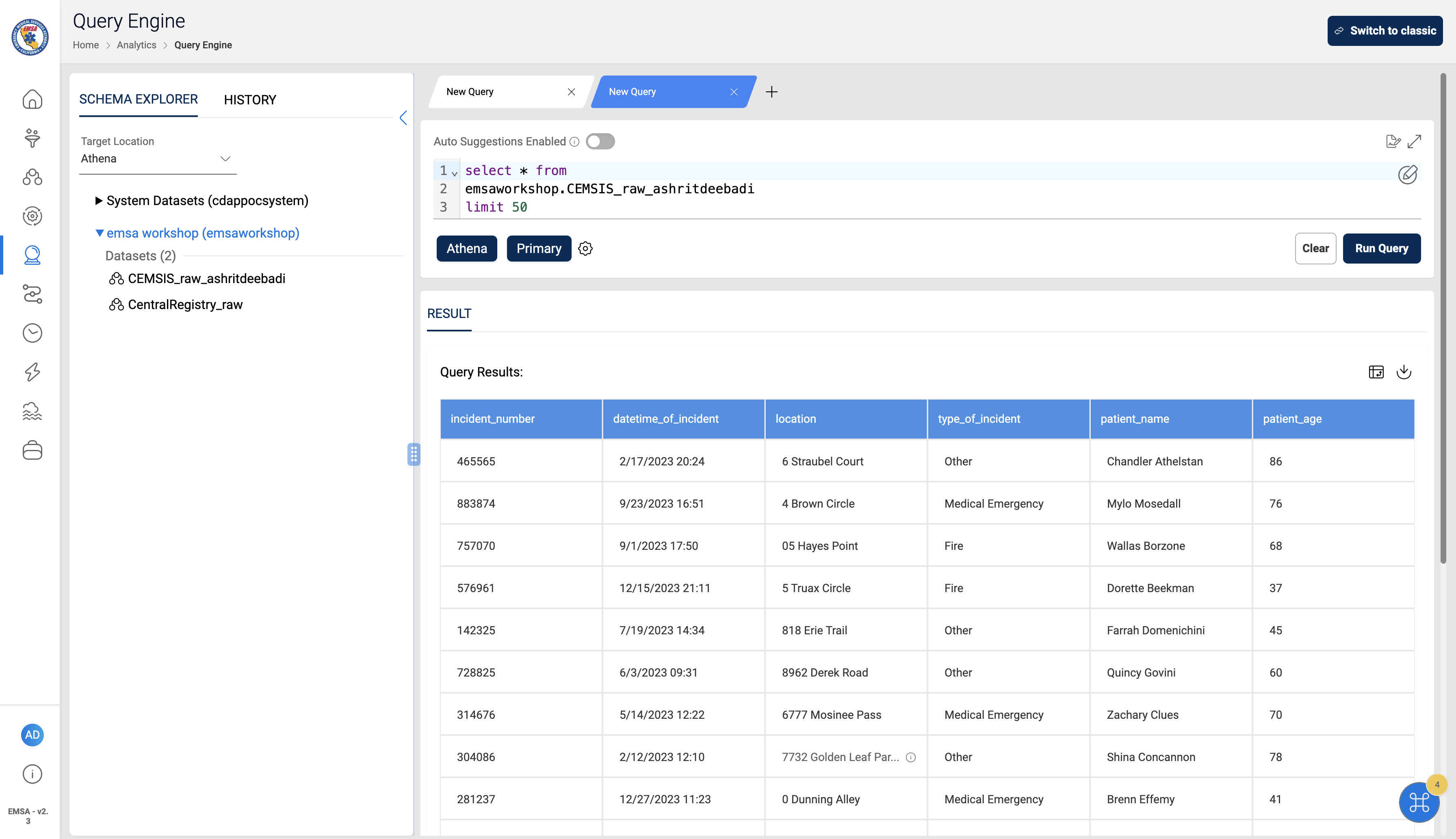
- Click
Run Queryto execute the query
Sample Analytics
info
We have pre-configured a dataset and shared with all the users in the workshop. In the following steps, we will see how to join and query multiple datasets in Amorphic.
Pre-configured Dataset details
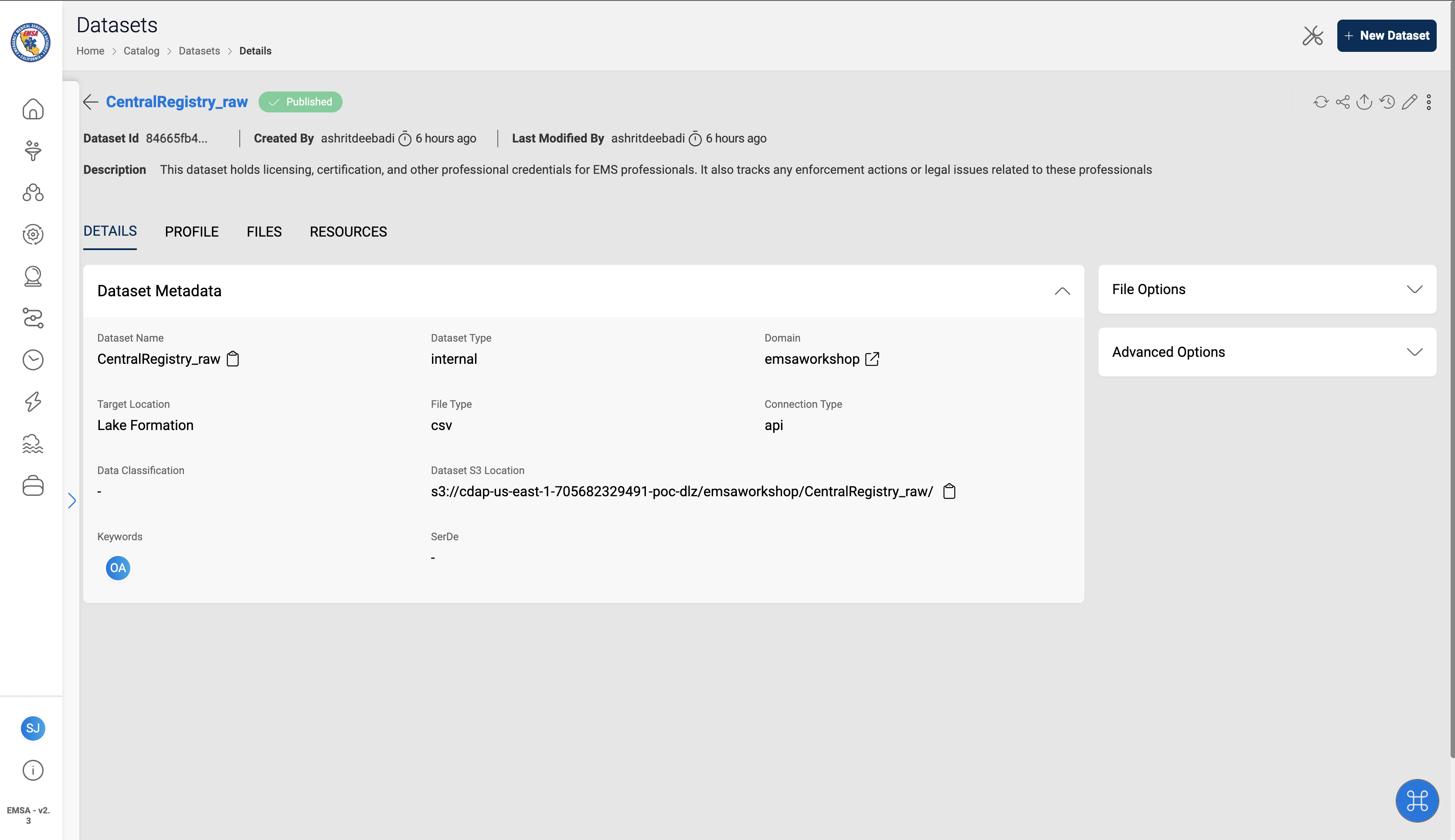
CentralRegistry_raw
This dataset holds licensing, certification, and other professional credentials for EMS professionals. It also tracks any enforcement actions or legal issues related to these professionals
Example
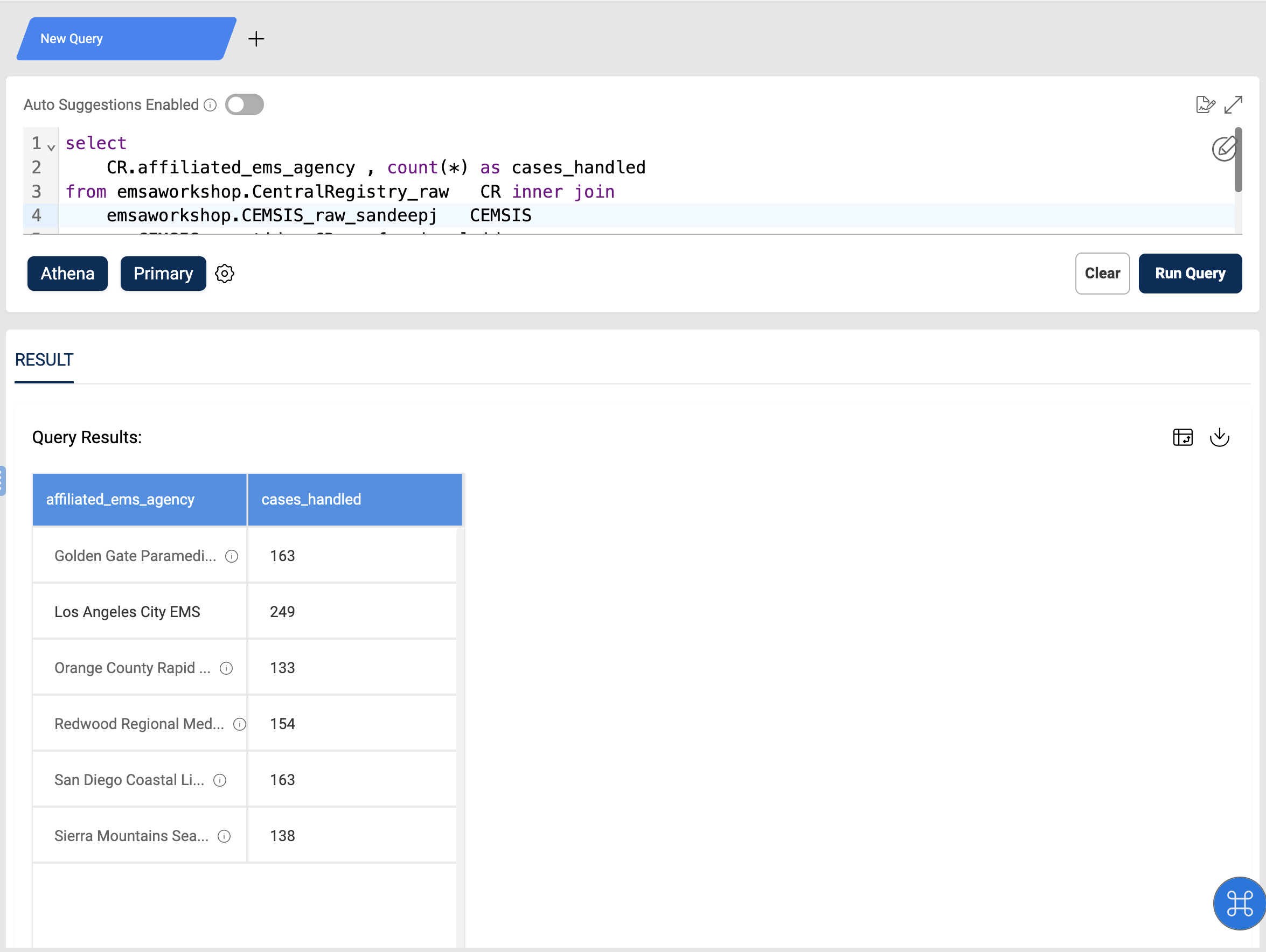
Cases handled by affiliated EMS agency
- To generate this KPI, we first establish a link between these tables using
professional_idfrom CentralRegistry_raw andagentidfrom CEMSIS_raw_ashritdeebadi. - After successfully joining these tables, we proceed to calculate the total number of cases associated with each EMS agency. This is achieved by counting the occurrences of each
ems_agencyin the merged dataset, providing a clear measure of each agency's case handling.
Query
select
    CR.affiliated_ems_agency , count(*) as cases_handled
from emsaworkshop.CentralRegistry_raw   CR inner join
    emsaworkshop.CEMSIS_raw_<username>   CEMSIS
    on CEMSIS.agentid = CR.professional_id
group by CR.affiliated_ems_agency
order by  CR.affiliated_ems_agency